









Split Tabs

Documentation

Module Fields

slittabfields
Image Optimization

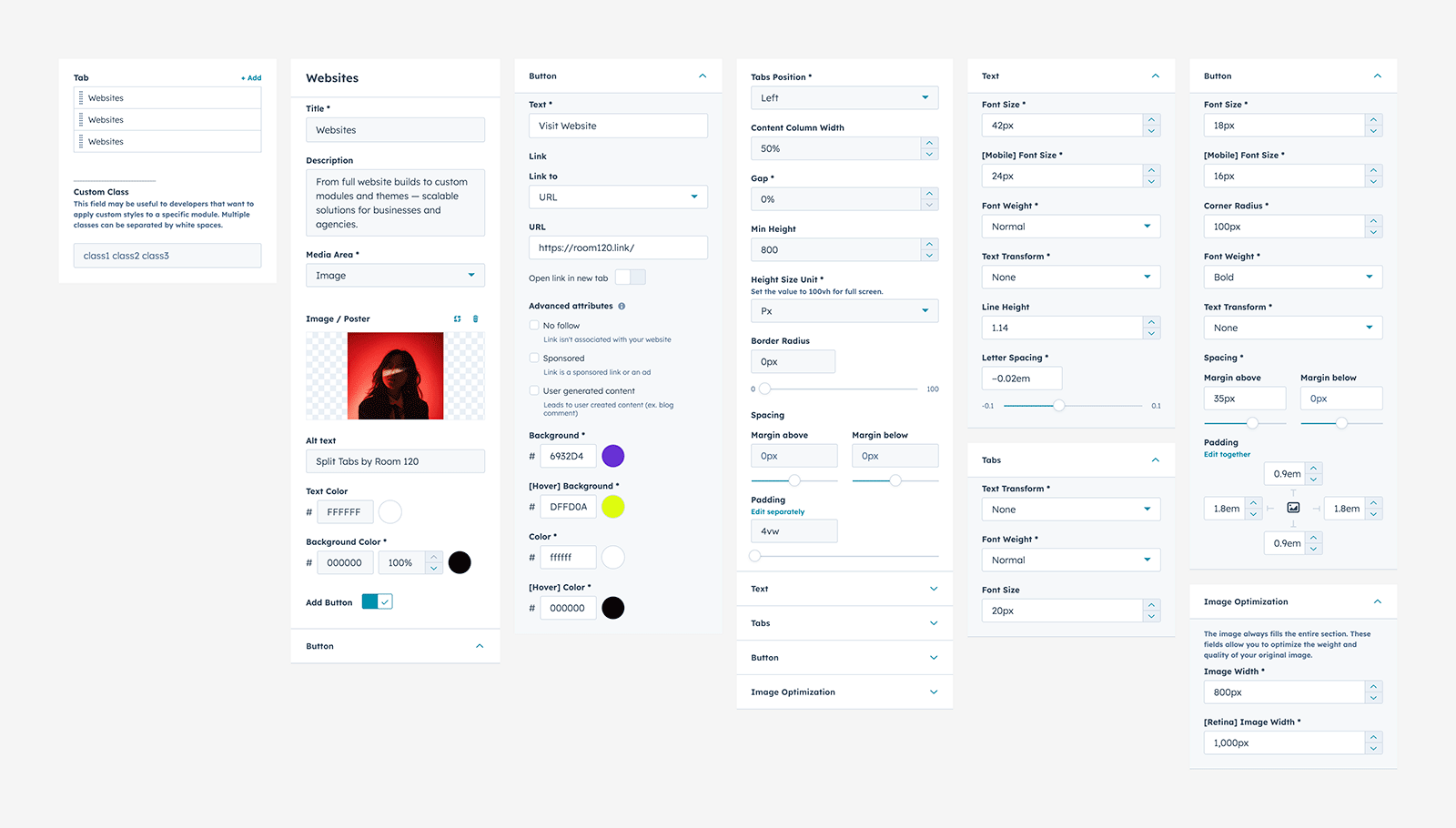
In the Image Optimization tab, you can optimize uploaded images by resizing them based on width. This allows you to upload larger images and automatically compress them to the specified dimensions, which helps improve your website’s performance. Separate settings are available for standard and retina displays. Please note that inside the card, images will always fill the full width of the lane regardless of the specified resize values.

Full Width Layout

hover-box-docs01
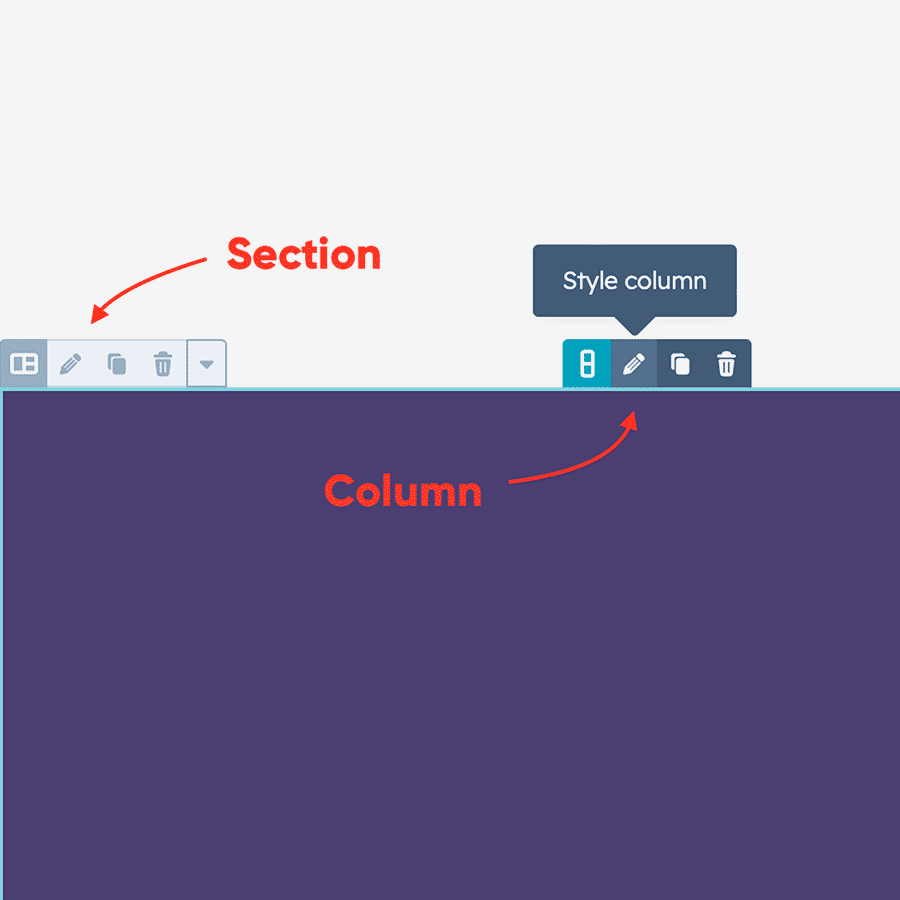
Edit Section and Columns

Click on the icon 'Pencil' to start edit Section and Columns.

hover-box-docs02
Section settings

Set Content alignment to Full Width and all paddings equal to 0px.

hover-box-docs03
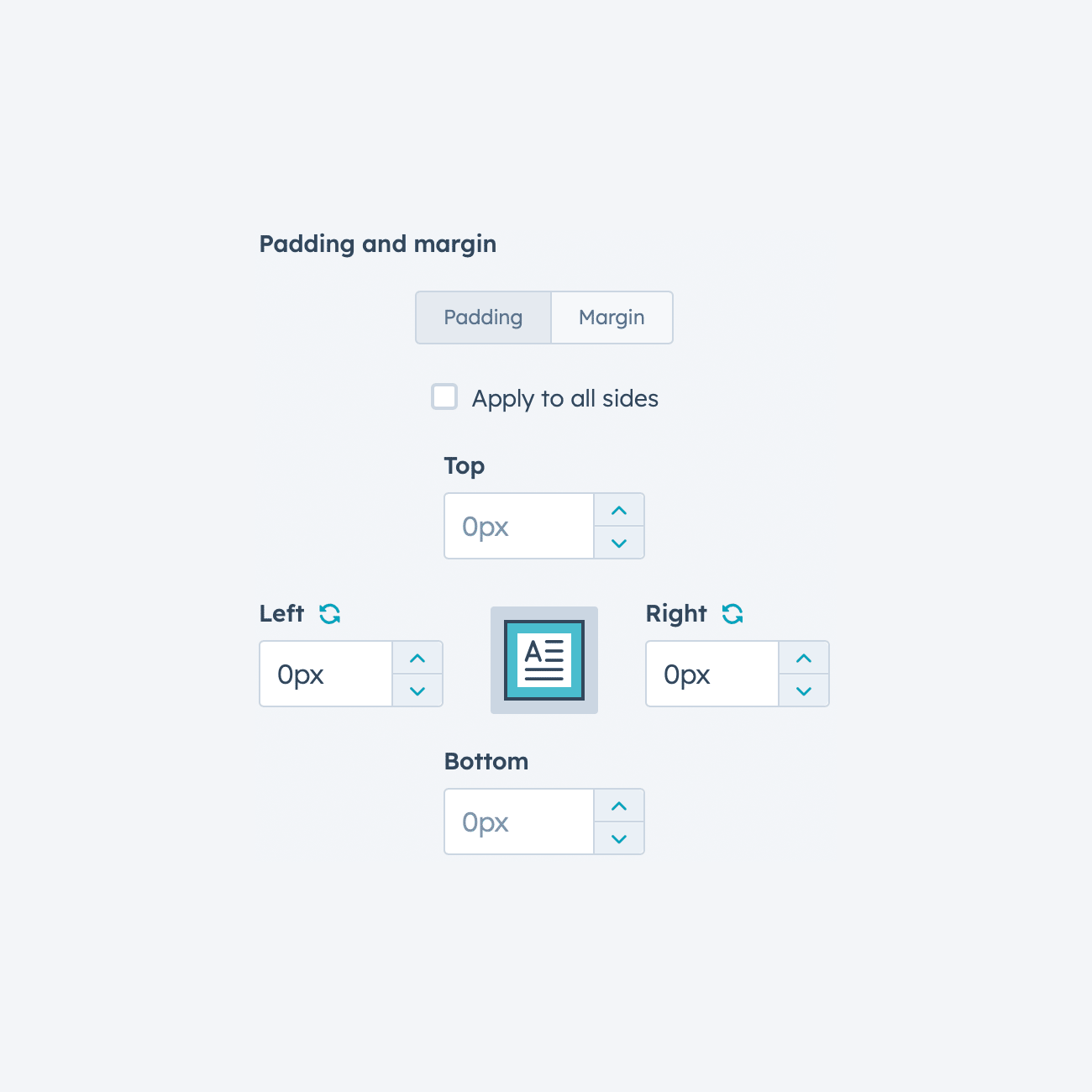
Columns settings

Set left and right paddings equal to 0px for each column in the row.

Need help building your custom website?

Get a custom HubSpot website built using this theme — fast, flexible, and tailored to your needs.
Start Project Custom modules and advanced
functionality are also available.

Our Themes

marketHome06 sectionScroll12 horizontalSec01 sectionScroll05
home02 sectionScroll02 section29 sectionScroll09-1
sectionScroll10-1 pitch02 pitch12 pitch11

A modern theme with a bold design, customization, and a library of templates, modules, and sections—perfect for startups, agencies, and personal websites.
Live Demo

landing01 home13 landing02 landing04
home06 home01 home14 home04
home03 landing03 home09 home08

Flow features a modern, stylish design with advanced tools and flexible features to build beautiful websites—perfect for a wide range of businesses and use cases.
Live Demo